Animal Records
Each animal has a profile that collects basic identity, health, vet, and Premium records.
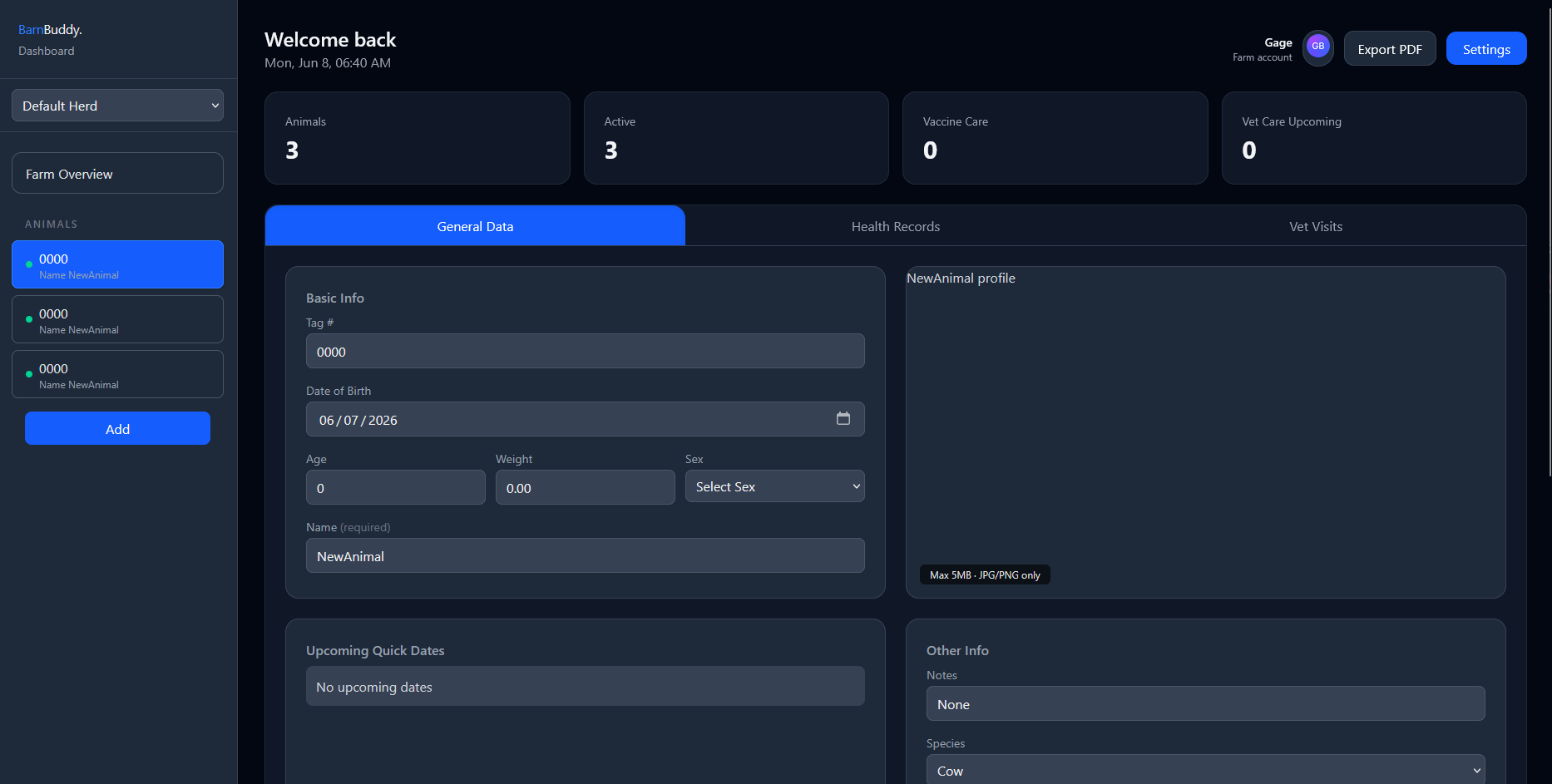
General Data
Use the General Data tab for:
- Name
- Tag number
- Species
- Sex
- Birth date and calculated age
- Weight
- Herd placement
- Behavior notes
- Comments
- Active or deceased status
- Profile photo
Profile Photos
Upload a clear image that helps identify the animal. You can replace or remove the image later.
QR Tags
Choose QR tag from an animal's General record to copy its secure profile link, download the QR code as an SVG, or print a simple tag.
Scanning the code opens that animal in BarnBuddy. The person scanning must sign in, and the animal is only shown when their account has access.
Quick Dates
The General Data tab summarizes upcoming vaccinations, vet visits, and follow-up dates so the next care item is visible without opening every record tab.
Delete an Animal
Animal deletion is permanent. BarnBuddy asks for confirmation before deleting the animal and shows a toast when the delete succeeds.
Before deleting, consider whether marking the animal deceased is better for record history.