Add Your First Animal
Animals are the center of BarnBuddy records.
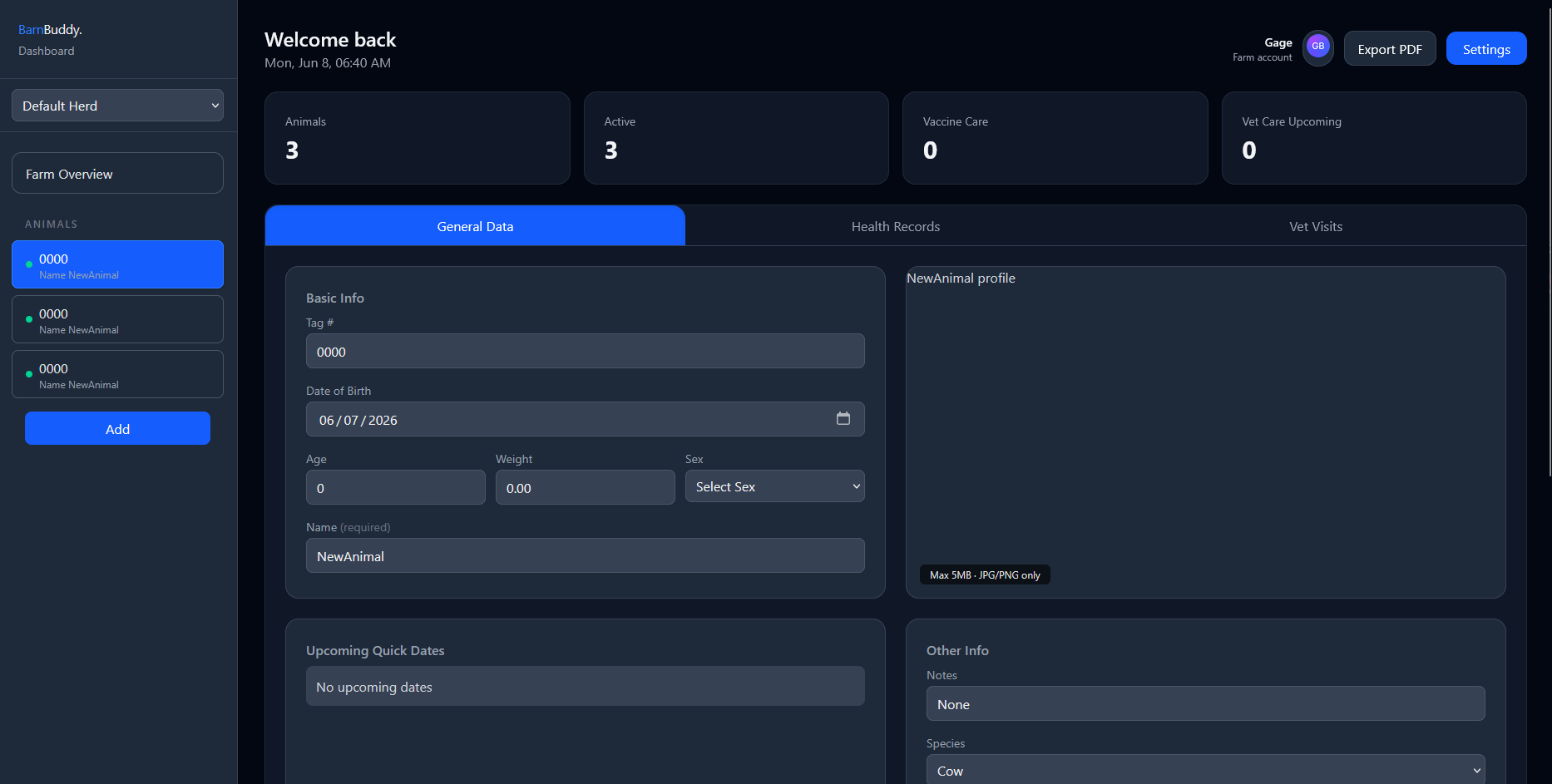
Add an Animal
- Open the dashboard.
- Choose the herd where the animal should live.
- Select Add.
- Open the new animal.
- Fill in the general data fields.
Recommended Fields
- Name or tag number
- Species
- Sex
- Birth date
- Weight
- Herd
- Notes
- Profile photo
Most General Data fields save when you leave the field. Watch the save indicator or toast message for confirmation.
Animal Status
Animals can be marked active or deceased. Deceased animals stay in the record system so their history can still be reviewed.